# Setting up artwork with White Ink
### How to add White Ink to a Print Job...
White ink jobs are setup on the same file as your artwork but on a new layer as a spot colour.
### Rules for white ink jobs
- White Ink should be represented with the spot colour "Spot1"
- White Ink can be a gradient or solid colour by adding a 50% on to the spot colour
- White Ink layer must always be placed at the very top of the CMYK prints and named "Spot1"
- White Ink must be set to "Overprint Fill" and "Overprint outline" to true
### White Ink = Spot1
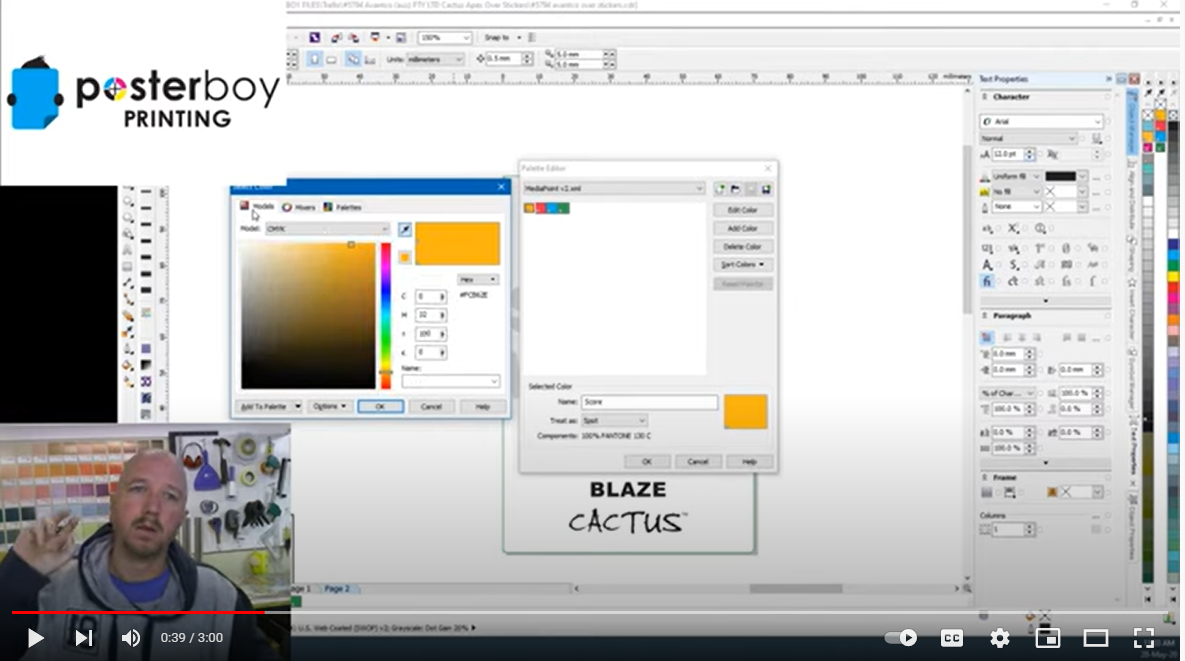
White ink must be named a **spot colour with the exact naming "Spot1"** for Onyx Thrive to recognise it.
### Creating Spot1 in CorelDraw
Watch the video here: https://www.youtube.com/watch?v=l4nOxxnj8-E
[](https://manual.maticmedia.co.uk/uploads/images/gallery/2022-06/image-1654781385424.png)
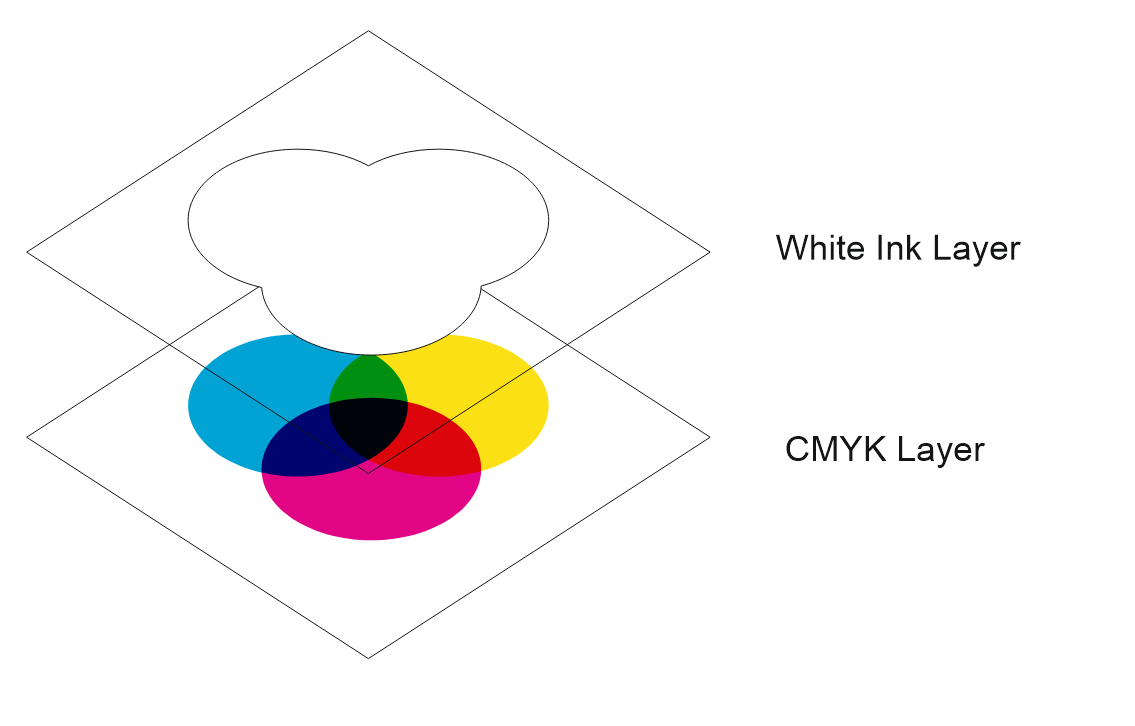
### White Ink must be the top layer
**The white ink layer must be the top layer even if the white ink is being printed below the CMYK layer.**
[](https://manual.maticmedia.co.uk/uploads/images/gallery/2022-05/image-1652708032650.png)
### White Ink must be set to Overprint Fill and Overprint Outline
#### Overprints in Corel Draw
#### Overprints in Illustrator
### Example PDF Setup for White Ink
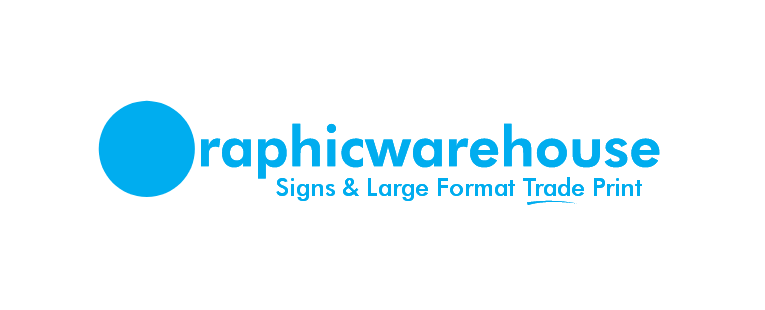
The example Graphic Warehouse logo would be printed onto wood.
#### Expected Finished Output when printed on to Wood
[](https://manual.maticmedia.co.uk/uploads/images/gallery/2022-05/image-1652709147371.png)
#### Example White Layer
[](https://manual.maticmedia.co.uk/uploads/images/gallery/2022-05/image-1652709495870.png)
#### Example CMYK Layer
[](https://manual.maticmedia.co.uk/uploads/images/gallery/2022-05/image-1652709575556.png)
#### Example Downloadable PDF
You can download the above example as a PDF here:
[White Ink Example - Graphic Warehouse.pdf](https://manual.maticmedia.co.uk/attachments/6)